
Project Manager for Music Producers
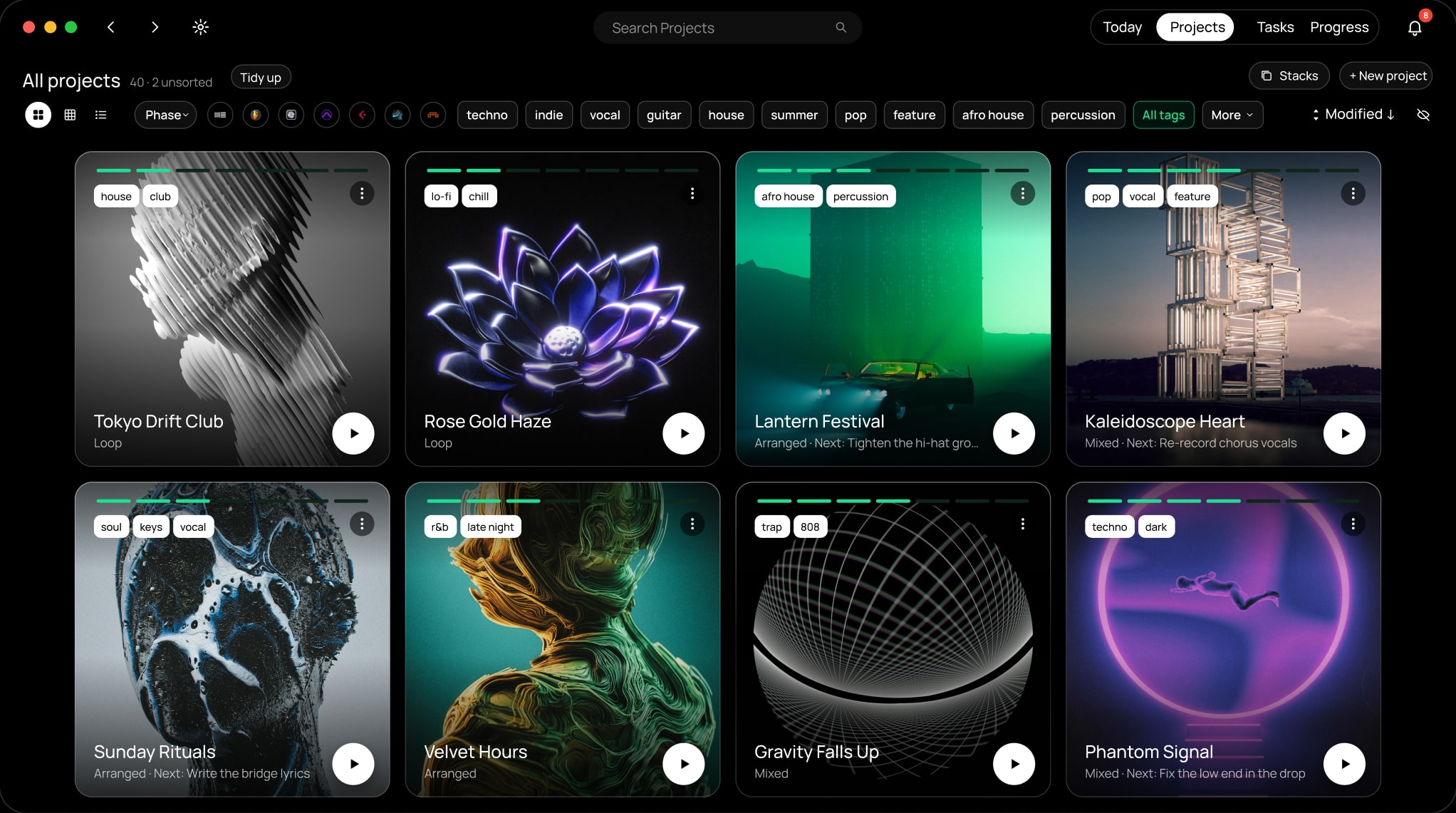
A beautiful place  for all your DAW projects.
Find, organize and finish your projects.
Free for 14 days · No credit card · Mac & Windows · Offline by default

Featured on


Works with all 10 major DAWs. On Mac and Windows.
Switch between DAWs as often as you like. dBdone keeps them all in one place.


- 100 % offline
- Mac & Windows
Today
Know what to finish next.
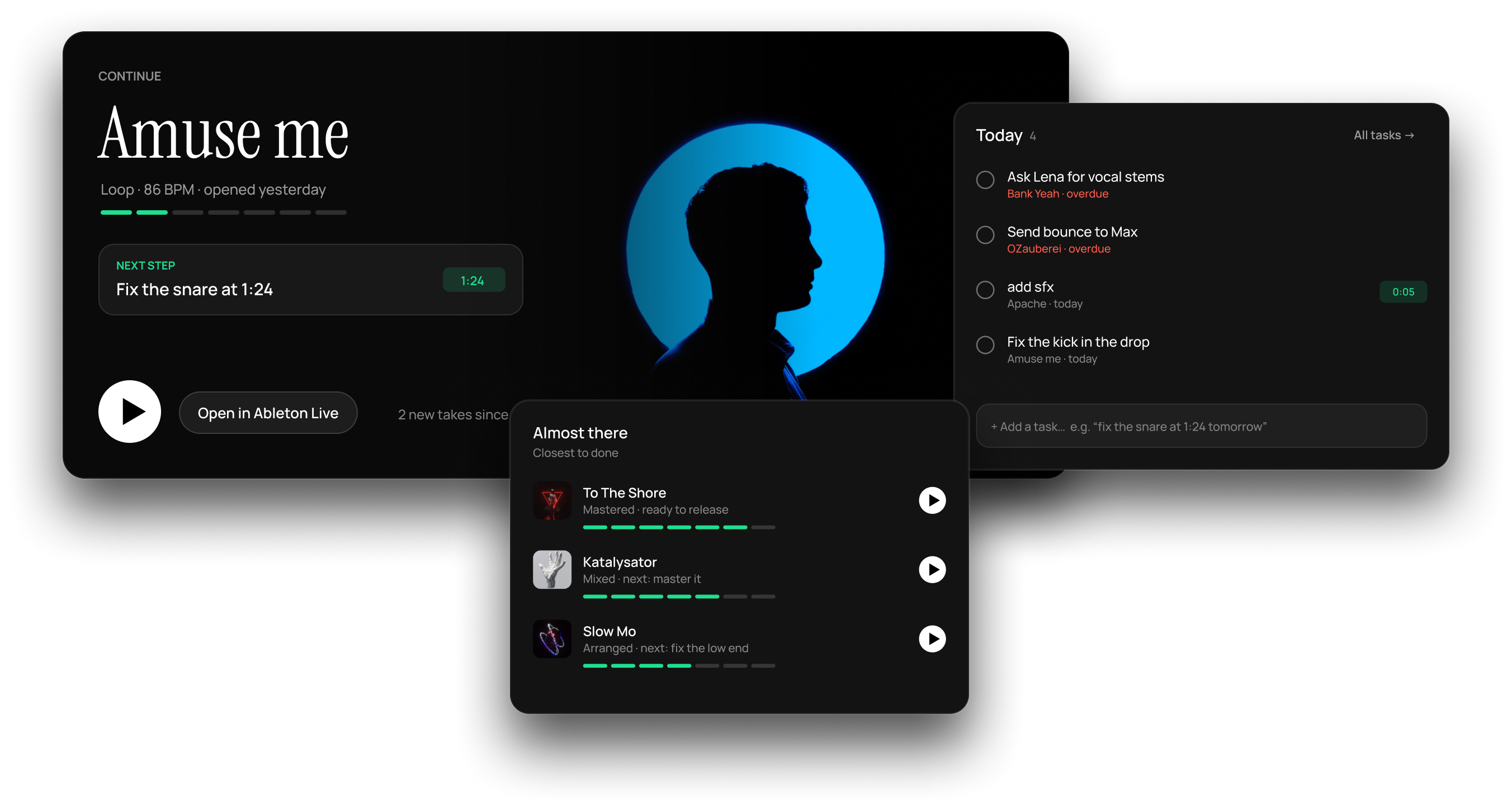
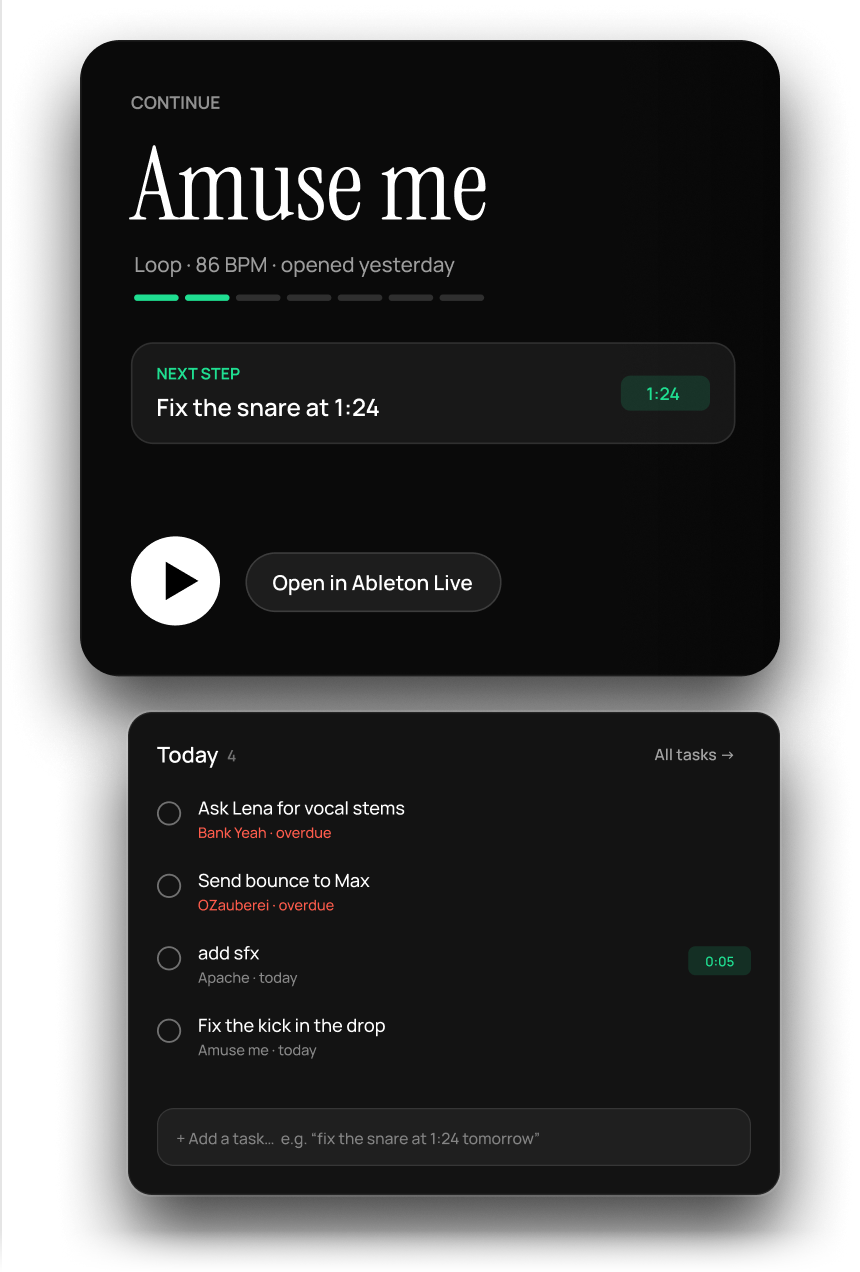
Open dBdone and your session is ready: the project you were on, its next step, the tasks due today and the songs closest to done.
Pre-Listen
Listen to your projects without opening them.
Hit play on any project. dBdone turns the bounces in your project folders into previews on its own. The free plugin records the best part for you.
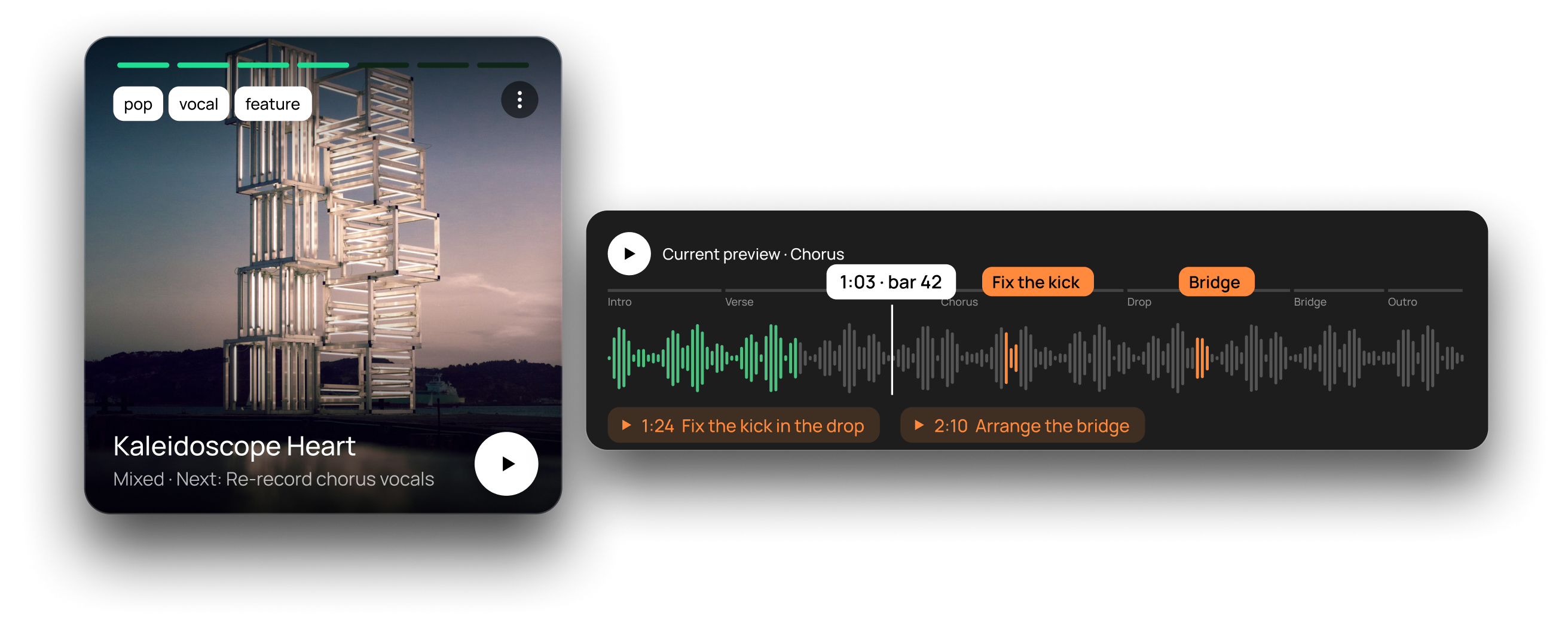
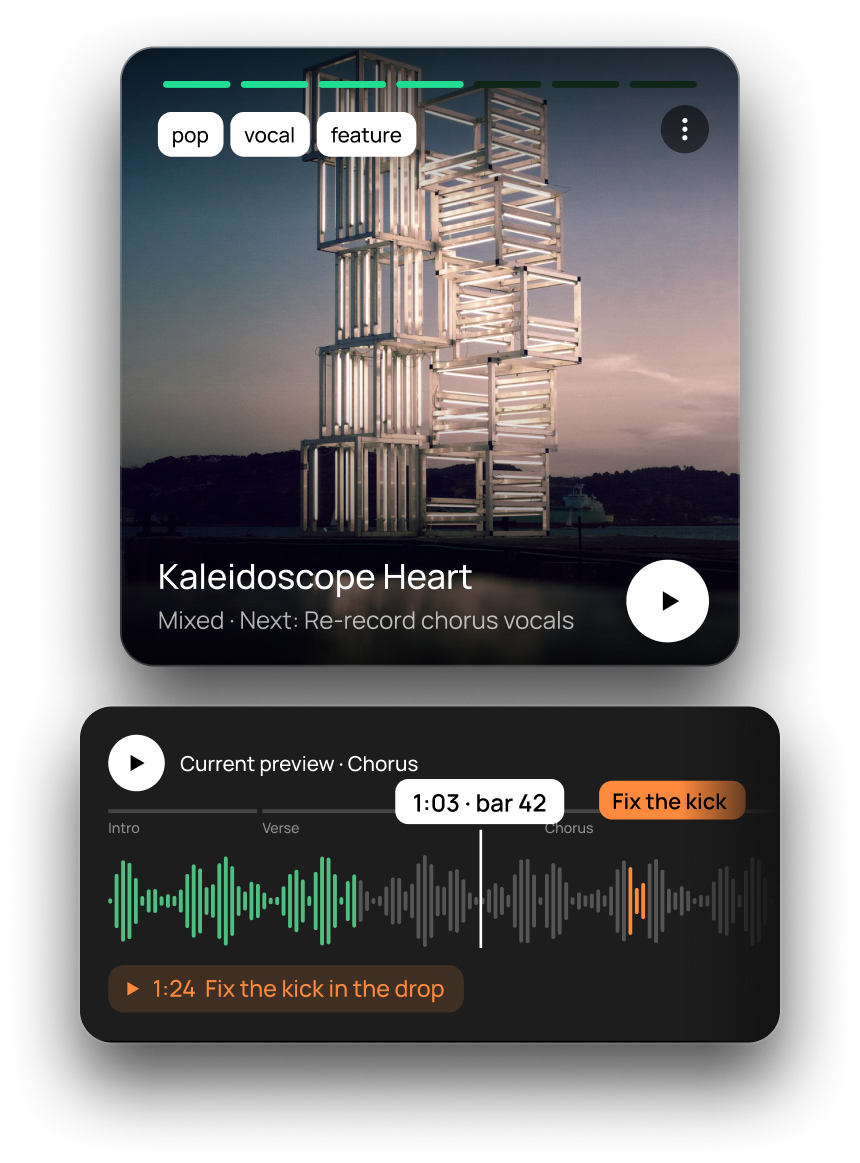
Your bounces are already previews
dBdone finds them in your project folders and links them. No setup, nothing to install.
The free plugin goes further
It records the best part right in your DAW. Tasks and notes sit on the waveform at the exact spot.
Phases & tasks
From idea to released.
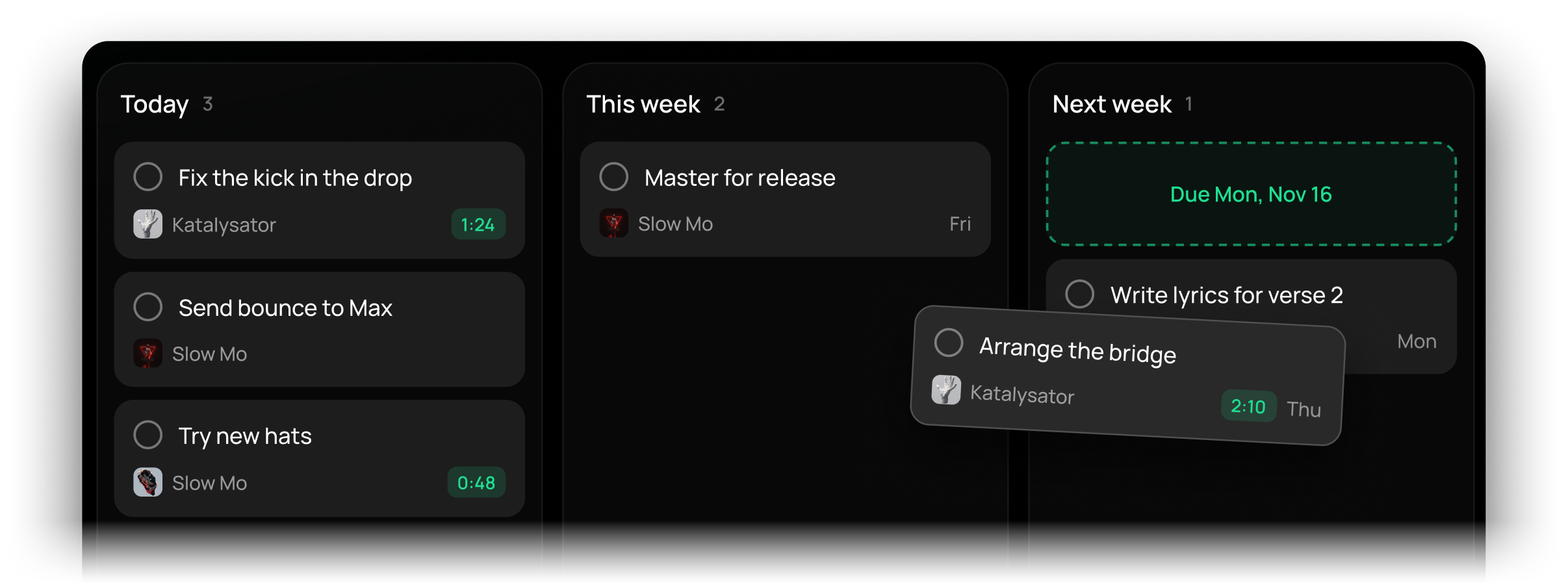
Every song shows its phase, from first idea to release, so nothing gets stuck at 80 %. Tasks land on a board for today, this week and next week. Just type them the way you’d say them.
- Idea
- Arranged
- Mixed
- Released

Type a task like “fix the snare at 1:24 in Kaleidoscope Heart tomorrow”. dBdone understands Project: Kaleidoscope Heart, Position: 1:24 in the preview, Due: tomorrow.
Progress
Every step counts.
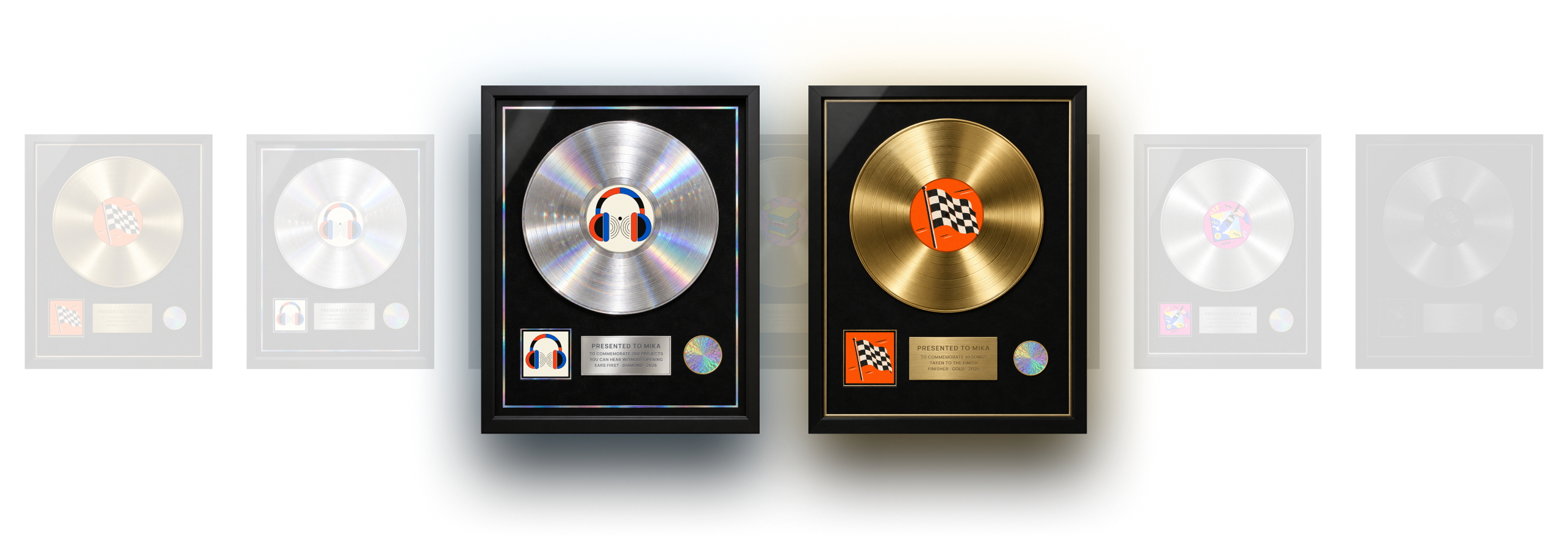
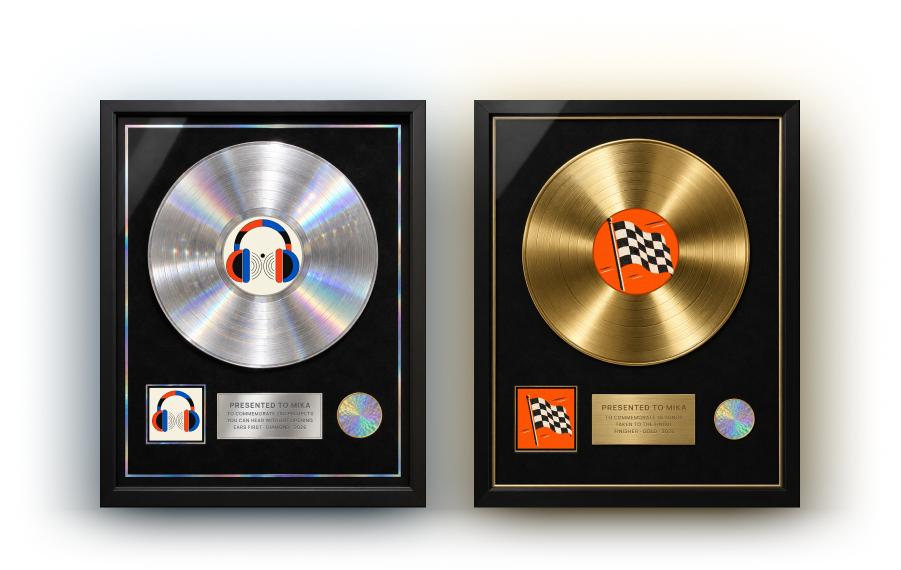
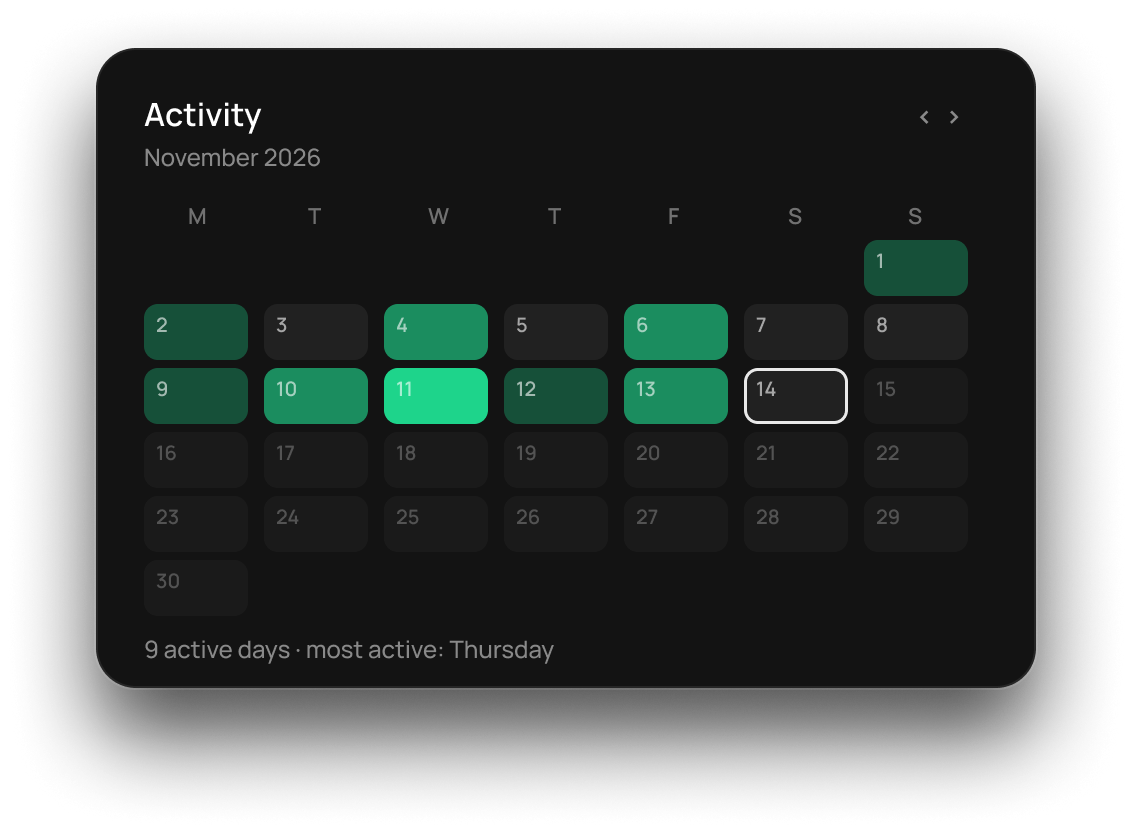
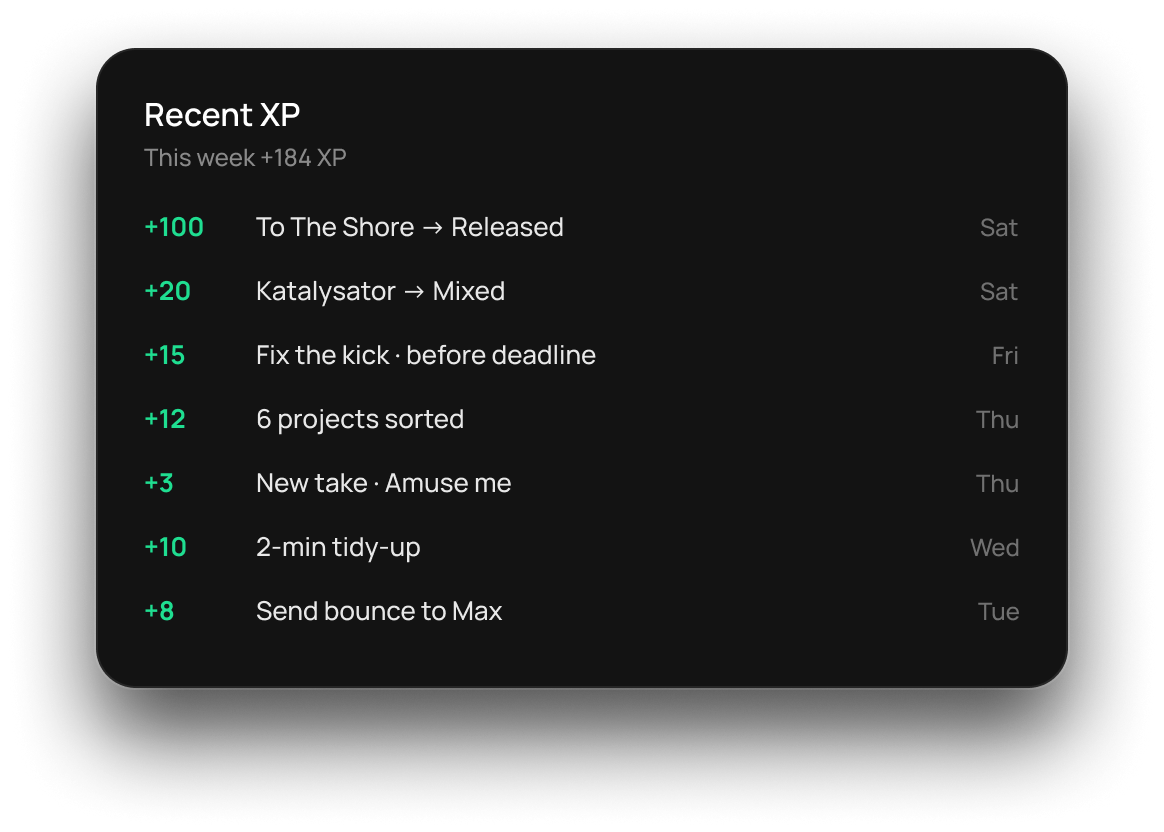
Move a song forward, earn XP. Level up from Bedroom Producer to Legend and collect awards like real records.
Everything around the song.
Releases, credits, files and names. The small things that get a track out the door.
Stacks for EPs & albums
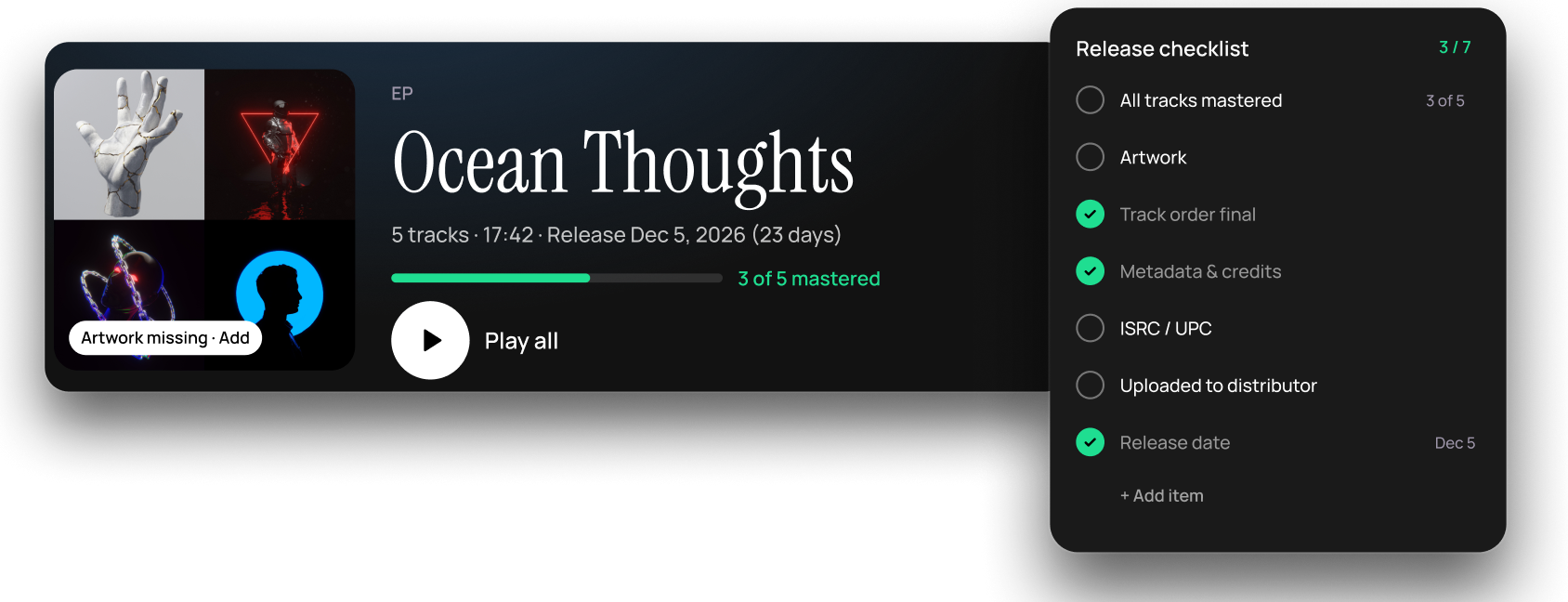
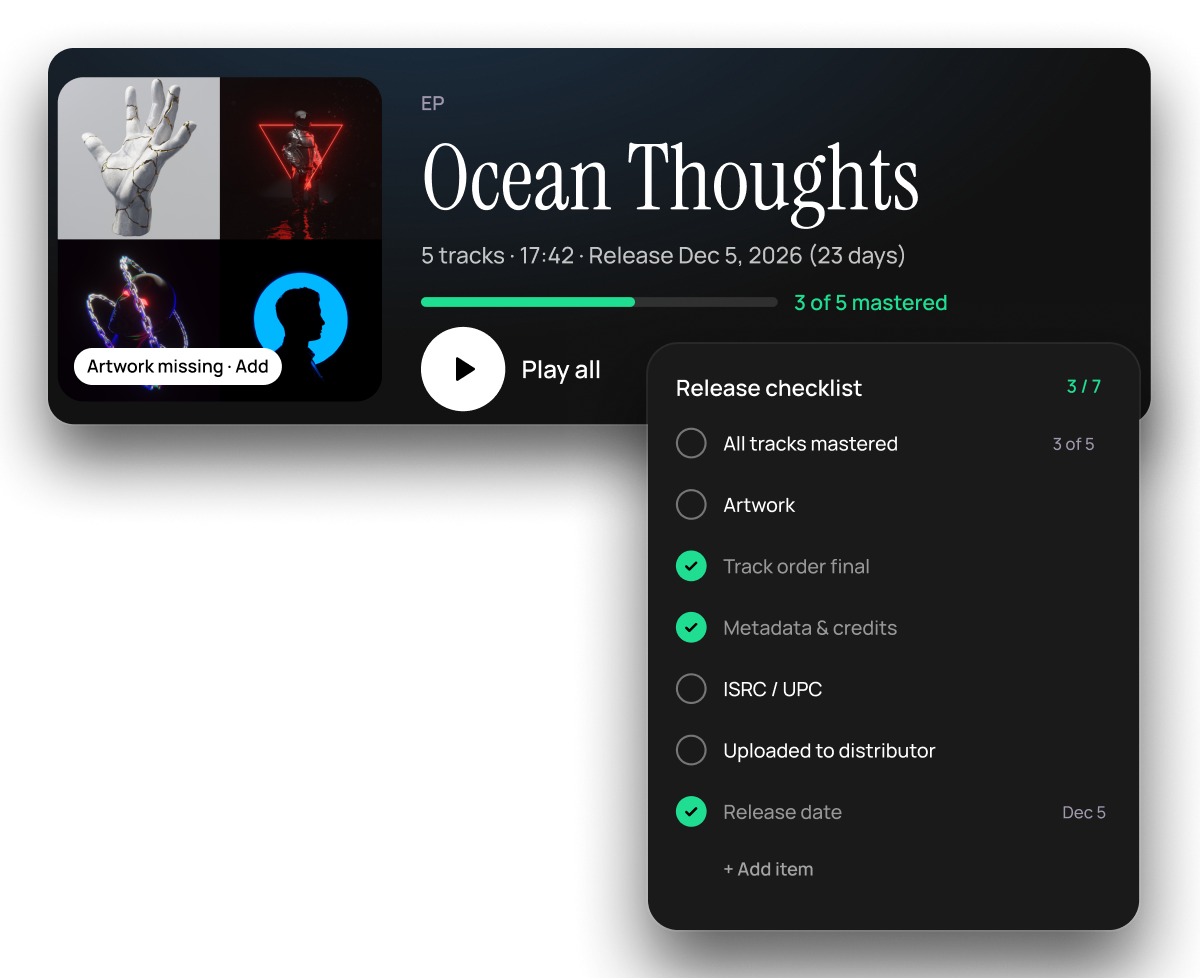
Group songs into a release, play them in order and see at a glance what’s still missing.
Credits & splits
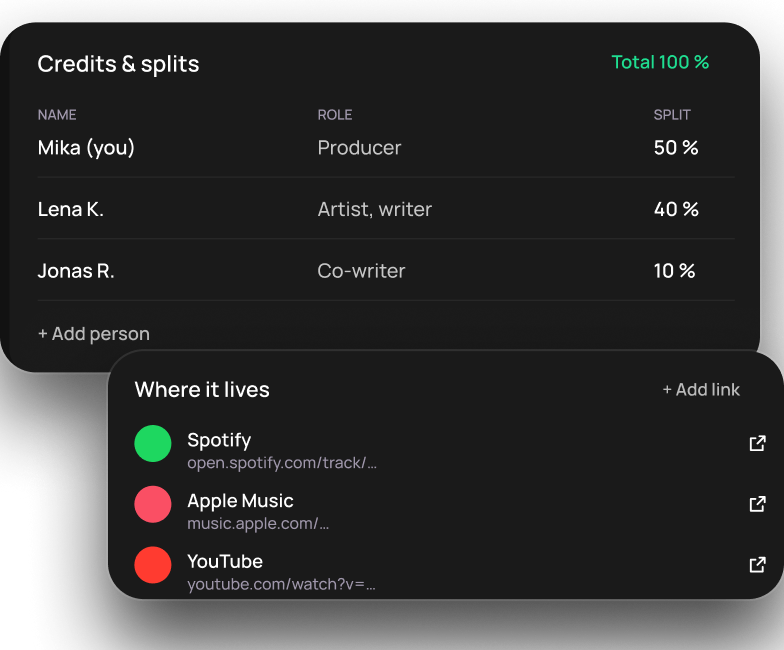
Who did what and who gets what. Saved right next to the track, on your computer.
Every file in one place
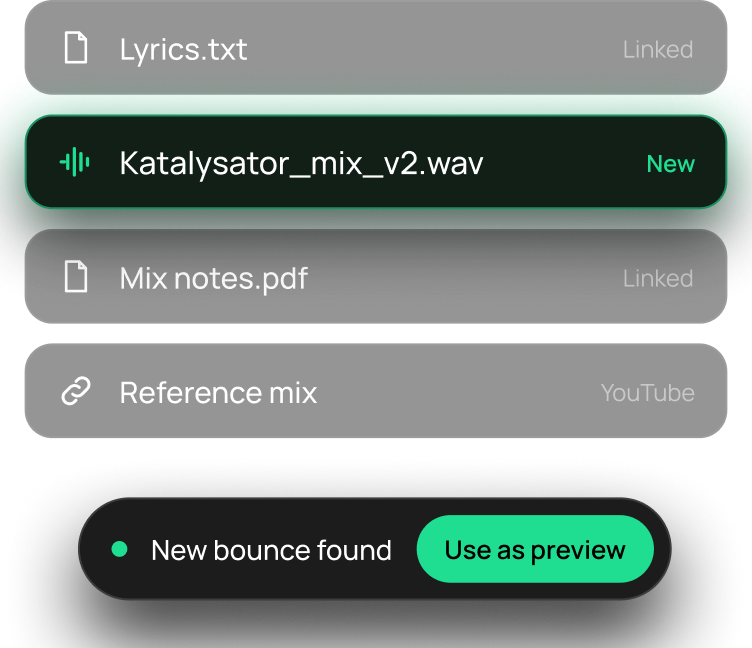
Bounces, lyrics and mix notes live with the song. New bounces show up on their own.
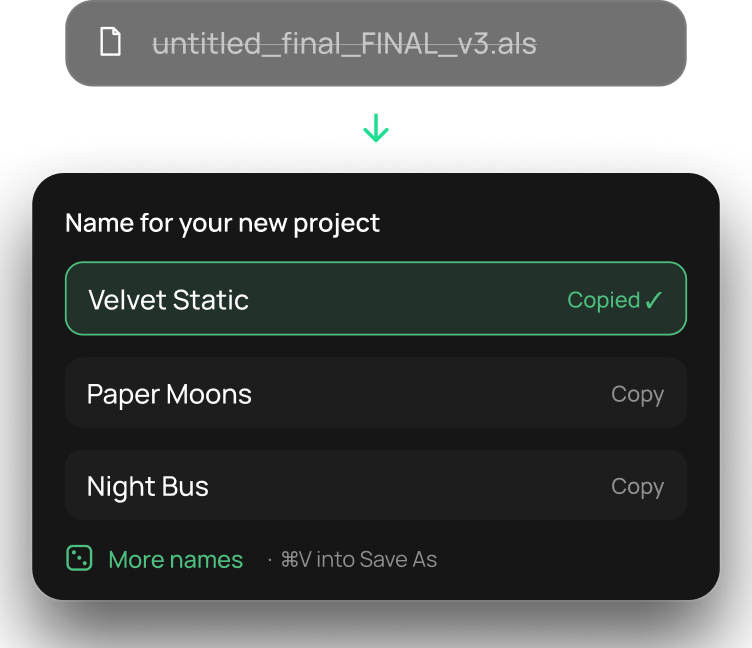
Generate project names
Never call a project “final_final_v3” again. Pick a name, copy it, Save As, done.
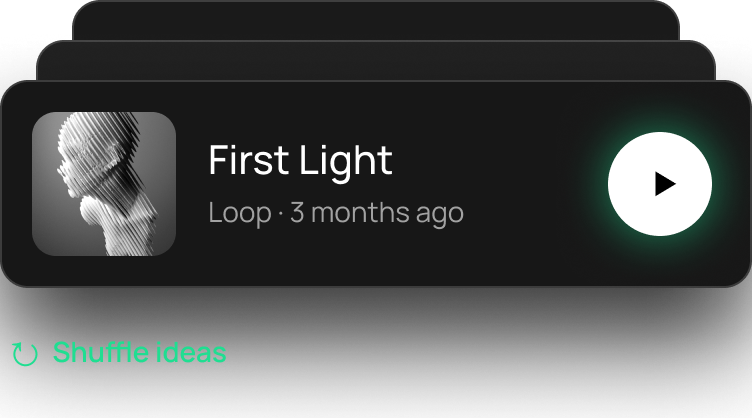
Worth another listen
dBdone brings forgotten ideas back to you, so a good loop never dies in a folder.
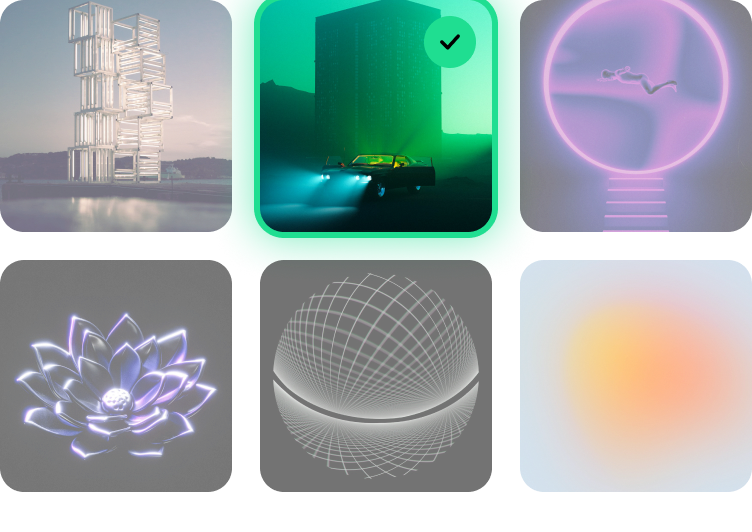
Covers in seconds
Pick artwork from the dBdone library or use your own. Your projects look like a record shelf, not a folder.
One click into your DAW
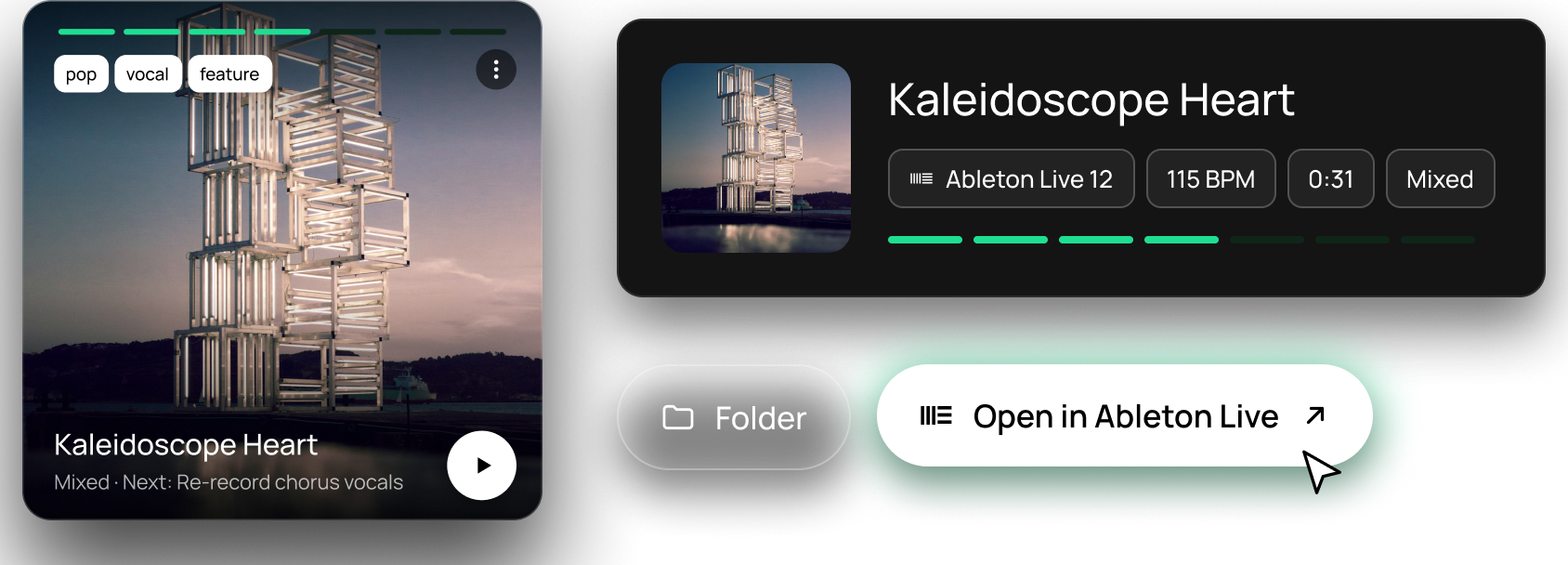
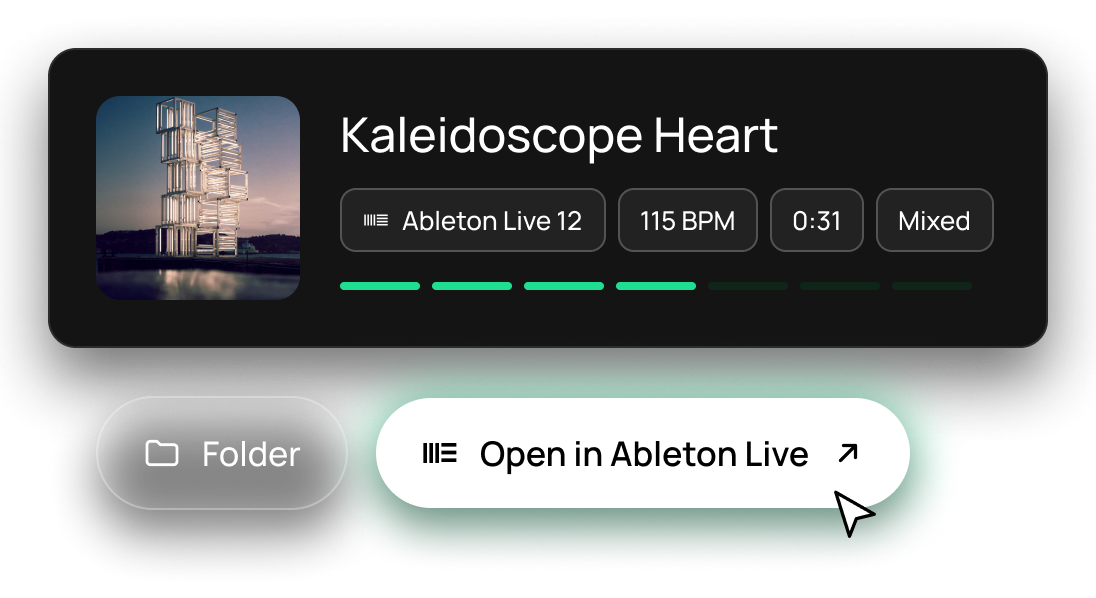
Every project opens in the right DAW, right where you left off. No more digging through folders.
How it works
Step 1
Choose your music folders
dBdone finds every project from all your DAWs. Bounces in the project folders become previews right away.
Step 2
Pick what you’re working on
Choose up to three projects. They wait for you on Today, each with its next step.
Step 3
Finish, step by step
Open projects in your DAW from dBdone. The free plugin adds previews and tasks right on the waveform.
- No credit card
- No sign up required
- 14-days free trial
We build with the community
Let’s build the best tool for producers. Together.
dBdone grows with the people who use it. You share ideas on Discord, the community votes, and we build them, one feature at a time. That’s how it has been since 2021.
- 2022–24First of its kindThe first project manager made for music producers. 1,000+ producers fell in love.
- June 2024Public betaFeedback from Discord shapes every build.
- Jan 2025dBdone launchesVersion 1.0 for Mac and Windows.
- 2026The big updateToday, Tasks, Progress and a new look. Version 1.5.
- NextComing upA mobile companion app, audio analysis and what you vote for.
Join us on Discord
Share your ideas, vote on the roadmap and help shape the next update.
Real feedback by our users
Thanks to all users who shared this valuable user experience with us. Together, we will create the best tool ever!

Hi I'm Luca and I just want to say that this is an absolutely fantastic tool. I'm glad I stumbled across it. It's exactly the sort of thing my disorganised brain needed 😅
Hello, wanted to give my insight, and basically I want to say that this is a game changer, I think this has a very bright future, and I can see it as a standard for organizing projects, it's so cool!, I've been trying for the past 3 days, it's awesome, after a month or so l will see what it can be better but wow it's so awesome, congratulations on the project.
Just wanted to reach out and say hi. I LOVE dBdone even at this beta stage. Love. It. I'm more than happy to use this app as my new starting point with current and new projects.
Hey all, I'm Matthew. Been looking for a solution to my endless WIP folders that I struggle to organize. This looks killer
This looks like one of those things I didn't know l needed. Greetings from the Brooklyn BassMint, Brooklyn USA.
Hey all, saw the post on gearnews and decided to pop in! Tool is such a great idea and love that it supports Bitwig!
Just being able to view my projects in a more visual way than Finder and being able to instantly open them is very impressive!
I work as a producer and first thanks for the great program, really like it a lot. It really alligns with my workflow, because i always have a lot of projects in different DAW 's (Cubase, Live mainly). it's great to jump between projects and preview them quickly, which makes it easy to pinpoint what each project lacks of and which ones i feel like working on.
Built for producers who create constantly
You need dBdone if you:
 Create multiple projects per week
- Have 100+ projects in your folders
- Need to find specific projects quickly
- Waste time opening projects just to hear them
- Work across multiple DAWs
- Have old projects you forgot about
Lifetime
$119 once
Pay once, no subscription. Updates from a passionate team, for life. 30-day money back · 3 devices
FAQ
Do I need to create an account to try it?
Nope. Just download and start using it. No signup, no credit card. After 14 days, if you want to keep using it, you can purchase a license.
Do I need to add the plugin to every project?
The pre-listen feature needs the plugin. But you can use dBdone's visual organization immediately, then add the plugin as you work on projects. Or manually add audio previews.
What if I use multiple DAWs?
Perfect. dBdone shows projects from all your DAWs in one place.
Will this mess with my project files?
No. dBdone is an overlay. Your projects stay where they are.
Can I organize by genre/mood/status?
Yes. Tag projects however you want. You can also track project phases: Idea, In Progress, Ready to Mix, Finished, Sold - customize it to your workflow.
What happens after the 14-day trial?
After 14 days, you'll need to purchase a license to continue using dBdone. Pricing: 14-day free trial, then $119 once (lifetime license).