
DAW Project Manager: The Complete Guide [2026]
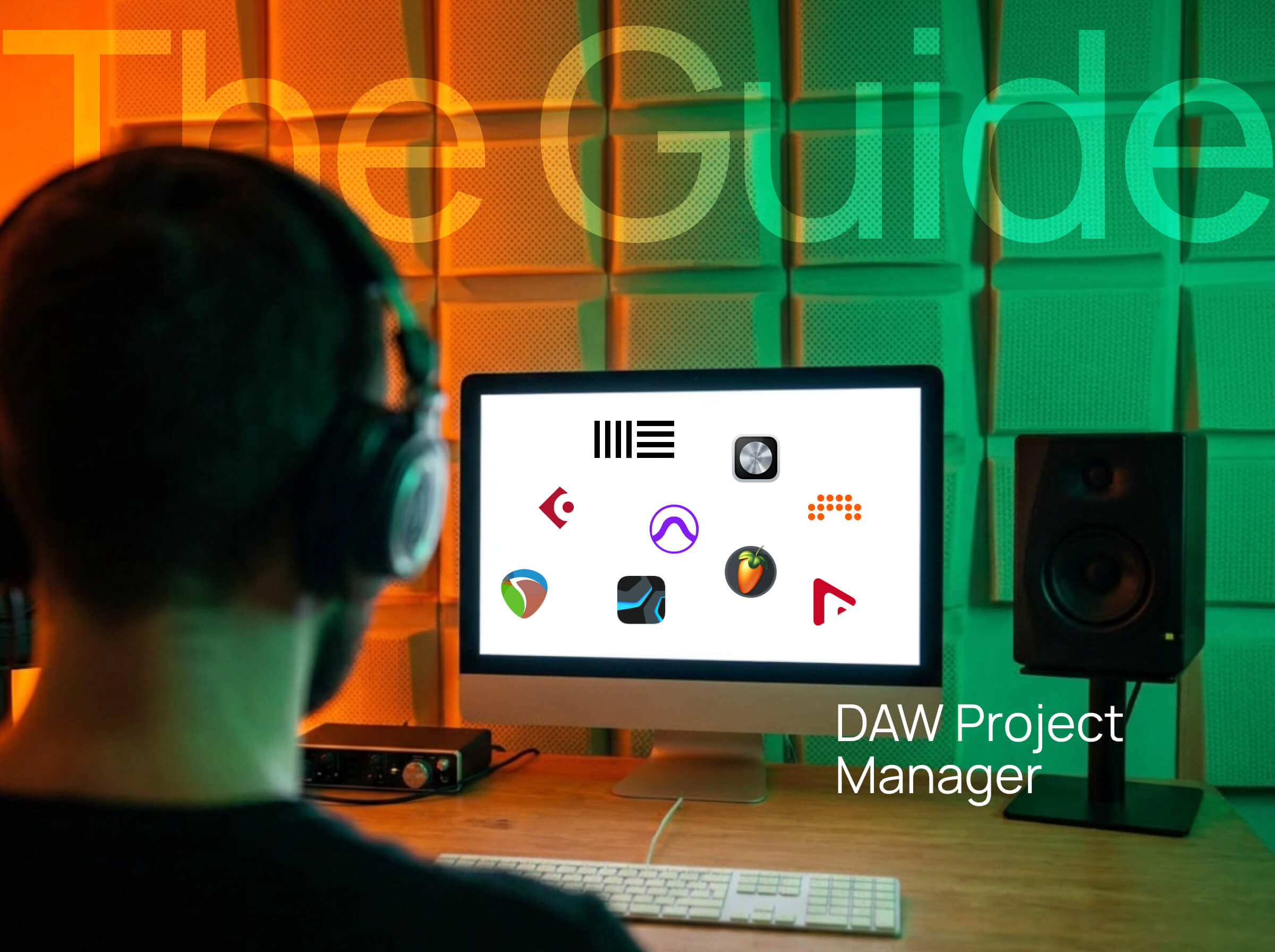
You're a music producer. You've got projects in Ableton, FL Studio, maybe Logic too. Some are ideas, some are half-mixed, a few are actually done. The problem? They're scattered across three different browsers, six folders, and zero organization. You can't find yesterday's beat. You can't remember which version is the latest. You definitely can't preview any of them without opening your DAW first. This isn't a creativity problem. It's a project management problem. And it's the reason most producers have 200 unfinished beats they'll never touch again.
🎯 What Is a DAW Project Manager?
A DAW project manager is software designed specifically to organize, preview, and manage music production project files across one or more DAWs. Think of it like a photo library app, but for your beats. Instead of JPEGs, you're managing Ableton Live Sets (.als), FL Studio projects (.flp), Logic projects (.logicx), and everything else. Instead of browsing by date or album, you're filtering by BPM, genre, project phase, or whatever matters to your workflow. The key difference from your DAW's built-in browser: a DAW project manager is built to manage projects, not just browse them. Here's what that means in practice. Your DAW's browser shows you files. A project manager shows you projects with context, metadata, and organization tools that actually help you finish music.
Desktop vs Web-Based DAW Project Managers
There are two main types of DAW project managers: desktop apps and web-based tools. Desktop apps like dBdone run locally on your computer. Everything stays private. Your files never leave your machine. They work offline by default. The tradeoff: you're managing projects from one computer at a time. Web-based tools would require uploading project files or metadata to servers. The benefit: access from anywhere. The tradeoff: your project organization lives in someone else's cloud. Which one you choose depends on whether you value privacy and offline access or cloud-based flexibility.
🔍 Why Your DAW's Built-In Browser Isn't Enough
Every DAW has a browser. Ableton has the browser panel. FL Studio has the file manager. Logic has Quick Look. So why do you need separate project management software? Because DAW browsers weren't designed to manage projects. They were designed to browse samples, presets, and plugins.
Ableton Live's Browser Limitations
Ableton's browser is great for finding samples and instruments. For managing projects? Not so much. You can't preview project files without opening them. Live doesn't show you audio previews for .als files because they're XML, not audio. You have to actually load the entire project into Live to hear what it sounds like. You can't see project metadata at a glance. Want to know the BPM? Open it. Want to know which plugins are loaded? Open it. Want to remember if this is the version with the fixed bassline? You guessed it. The Collections feature helps organize presets and samples, but it doesn't work for project files. You're stuck with folder navigation and hoping you named things correctly six months ago.
FL Studio's File Manager Reality
FL Studio's browser can preview project files, but only if you're in Session View equivalent. And even then, it's clunky. You can't organize by anything other than folders and playlists. No tags. No ratings. No custom metadata. Just folders you'll eventually abandon because maintaining them manually is exhausting. You can't search across all your projects by plugin, BPM, or any useful criteria. You're browsing one folder at a time, hoping muscle memory kicks in.
Logic Pro's Quick Look Problem
Logic has Quick Look, which is better than most DAWs. You can preview projects without fully loading them. Progress. But Quick Look is read-only. You can't tag projects, rate them, add notes, or organize them in any meaningful way. It's a preview tool, not a management system. And if you use multiple DAWs, Quick Look only works in Logic. Your Ableton projects? Not accessible. Your FL Studio files? Out of reach.
The Cross-DAW Problem
Here's the real issue: most producers don't use just one DAW. You might start ideas in FL Studio, arrange in Ableton, and mix in Logic. Or you collaborate with someone who uses Pro Tools while you're in Cubase. Or you switched DAWs a year ago and still have 100 projects in your old workflow. No DAW browser shows you everything across all your production software. You're forced to jump between apps, remember which DAW you used for which project, and waste mental energy on organization instead of music. That's not a workflow. That's chaos with extra steps.
📂 Manual Organization Methods (And Why They Fail)
Before we get to dedicated software, let's talk about manual organization. Maybe you've tried these. Maybe you're using them right now. They all have the same problem: they require discipline most producers don't have.
Method 1: Folder Structures
The classic approach. Create a folder hierarchy like this:
Projects/
├── 2026/
│ ├── January/
│ ├── February/
├── Finished/
├── Needs Work/
└── Trash/
This works great. For about two weeks. Then you forget to sort a project. Then you're in a creative flow and saving everything to Desktop because you'll "organize it later." Then "later" never comes and you've got 47 unsorted projects from the past three months. The discipline required to maintain folder structures is the same discipline required to finish music. If you had that discipline, you wouldn't need a folder system in the first place.
Method 2: Descriptive File Names
Name your projects with useful information: 2024-03-15_TechHouse_128BPM_Cmajor_v3_FINAL.als This is smart. It's also tedious. And it breaks down the moment you're in the middle of a creative session and don't want to spend 30 seconds naming a file. Even if you do it perfectly, you still can't search or filter by that information without opening Finder or File Explorer and manually reading filenames. And you definitely can't hear what the project sounds like.
Method 3: Exporting Audio Previews
Some producers export a 30-second MP3 bounce of every project so they can preview without opening the DAW. This is the most organized approach. It's also the least realistic. You have to remember to export every single time you work on a project. You have to keep the MP3s in sync with the actual project files. You have to maintain a parallel file structure. Most producers do this for exactly zero projects.
Method 4: Spreadsheets
Track your projects in a spreadsheet with columns for name, BPM, key, status, notes, etc. This can actually work if you're extremely disciplined. You can filter and sort. You can add detailed notes. You have full control. The problem: you're manually entering data for every project. And the spreadsheet is disconnected from your actual files. You can't click a row and open the project. You can't preview audio. It's a database without integration.
Why Manual Methods Break Down
All of these methods fail for the same reason: they add friction to your creative process. Music production is already hard. You're fighting writer's block, mixing issues, and the nagging feeling that your snare sounds like a cardboard box. The last thing you want is homework about file organization. Manual systems only work if you do them perfectly every single time. Miss one session and the whole system degrades. Miss ten sessions and you're back to chaos. You need automation. You need software that does the organizing for you.
✅ What a Real DAW Project Manager Does
A dedicated DAW project manager solves these problems by automating the boring parts and surfacing the useful information. Here's what you should expect from actual project management software in 2026.
Automatic Project Scanning
The software scans your entire drive and finds all your project files automatically. You point it at your music folder once. It handles the rest. No manual importing. No dragging files into the app. No maintaining a database. The software finds your projects, indexes them, and keeps track of new ones as you create them.
Audio Preview Without Opening Your DAW
This is the feature that changes everything. You see a project from three months ago called "beat_idea_5." You click the preview button. You hear the audio immediately. No waiting for Ableton to load. No RAM usage. No interrupting your current workflow. If the project isn't what you're looking for, you move on in two seconds instead of two minutes. This alone saves hours every week.
Metadata Detection
The software extracts useful information from your project files: BPM, plugins used, sample rate, last modified date, file size, everything. You don't enter this manually. The software reads it directly from the project files. Now you can filter all your projects by "has Serum" or "128 BPM" or "modified in the last 7 days." You can find that tech house beat without remembering its name.
Visual Organization Tools
Tags, ratings, color coding, custom fields, project phases, whatever organization method makes sense for your brain. You can mark projects as "Idea," "Arranged," "Mixed," or "Mastered." You can rate them 1-5 stars. You can tag them by genre, mood, or collaboration status. The key: you're adding this context visually, not through file naming. Click a star rating instead of renaming the file. Apply a tag instead of moving it to a folder.
Quick Tasks from Your DAW
Add comments directly in your DAW through the dBdone plugin and they automatically become tasks in your dBdone app. The timestamp is saved (like 25:1.000) so you know exactly where you were in the project. Jump to the app to set priority, deadlines, or organize your workflow. No more mental notes you forget. No more switching contexts to write things down. Just comment in your DAW and handle it later.
Smart Filters and Search
Combine multiple criteria to find exactly what you're looking for. "Show me all 4-star trap beats from the last 30 days that are still in the arrangement phase." "Show me everything using Omnisphere that I haven't opened in 6 months." "Show me all finished projects so I can finally release something." This is impossible with folder structures or file names. It's trivial with a database-backed project manager.
Version Management
Automatically group related versions together. If you have beat_v1, beat_v2, beat_v3, beat_final, beat_final_FINAL, the software knows these are related. It groups them under one visual entry so you're not scrolling through 8 variations of the same project.
Cross-DAW Support
Manage all your projects in one place regardless of which DAW created them. Your Ableton projects, FL Studio files, Logic sessions, Cubase projects, everything shows up in the same interface. Filter by DAW if you want. Or just see everything at once. This is huge if you've switched DAWs or work across multiple production apps.
🆚 The DAW Project Manager Landscape
Here's the reality: there aren't many tools specifically designed to manage DAW project files. Most "music file managers" are actually for managing audio files (bounces, stems, demos), not the actual project files from your DAW. Tools like Offtop and Highnote help you organize and share exported audio, but they can't read or preview your .als, .flp, or .logicx files. That leaves you with essentially one option for dedicated DAW project management.
dBdone (Desktop DAW Project Manager)
dBdone is a desktop application built specifically to manage DAW project files. It works offline and keeps everything local. What makes it different: It actually reads your DAW project files directly. Not audio exports. Your actual .als, .flp, .logicx files. Key features: audio preview without opening your DAW, cross-DAW support for 10+ DAWs (Ableton, FL Studio, Logic, Cubase, Pro Tools, Reaper, Studio One, Bitwig, and more), automatic project scanning, tags and ratings, project phases, tasks and deadlines, version grouping, works 100% offline. The standout feature is the preview button. You can hear any project file instantly without loading your DAW. No other tool does this for actual DAW projects. Best for: producers who want to manage actual project files, need offline access, and don't want project data in the cloud. Limitations: desktop only, premium pricing.
dBdone Spaces (Included with dBdone)
Every dBdone account includes dBdone Spaces, which adds cloud-based file sharing for exported audio. You can upload any files (stems, bounces, demos, reference tracks) and create shareable links with password protection. This gives you the best of both worlds: manage your DAW projects locally with dBdone, and share exported audio with collaborators through Spaces. What this means: You get DAW project management (offline, private) plus audio file sharing (cloud-based, collaborative) in one tool. You're not choosing between managing projects and sharing audio anymore.
Audio File Managers (Different Category)
Tools like Offtop and Highnote are often mentioned when discussing music organization, but they solve a different problem. Offtop: Cloud-based audio file manager for sharing beats, stems, and demos. You upload exported audio files (MP3, WAV), organize them with tags, and share them with collaborators. Great for producers who sell beats or send packs. Does not work with DAW project files. Highnote: Collaboration tool for reviewing audio files. You upload bounces or stems, collaborators leave timestamped comments, and you manage feedback. Built for the mixing/mastering review process. Does not work with DAW project files. These are valuable tools, but they're not DAW project managers. They require you to export audio first. They can't preview your projects without opening your DAW. They can't show you which plugins are loaded or what your arrangement looks like.
Why This Distinction Matters
If you're looking for a way to organize your actual DAW projects, audio file managers won't solve your problem. You still have to export audio manually. You still have to open your DAW to hear what a project sounds like. You still can't search by "which projects use Serum" or "show me everything in the arrangement phase." Audio file managers are for finished or near-finished audio. DAW project managers are for the messy reality of production projects at every stage.
Feature Comparison
| Feature | dBdone | Offtop | Highnote |
|---|---|---|---|
| Manages DAW Project Files | ✅ Yes (.als, .flp, .logicx, etc.) | ❌ No (audio files only) | ❌ No (audio files only) |
| Preview Projects Without Opening DAW | ✅ Yes | ❌ No (requires export) | ❌ No (requires export) |
| Cross-DAW Support | ✅ 10+ DAWs | N/A (DAW-agnostic audio) | N/A (DAW-agnostic audio) |
| Detect Plugins/Metadata in Projects | ✅ Yes | ❌ No | ❌ No |
| Works Offline | ✅ Yes (App) + Cloud (Spaces) | ❌ Cloud-based | ❌ Cloud-based |
| Share Exported Audio Files | ✅ Yes (via Spaces) | ✅ Yes | ✅ Yes |
| Password-Protected Sharing | ✅ Yes (Spaces) | ✅ Yes | ✅ Yes |
| Best For | Managing DAW projects + sharing audio | Sharing beats & stems | Mix review & feedback |
🎯 What You Actually Need
Ask yourself what you're trying to manage.
Managing DAW project files?
You need software that can read .als, .flp, .logicx files directly. That means dBdone or a similar DAW-specific tool. Audio file managers won't help because they can't see inside your project files.
Managing exported audio?
If you're organized enough to export audio after every session, tools like Offtop or Highnote work great. But if you're like most producers, you don't consistently export bounces. Which means your "audio library" is always incomplete and out of date.
Do you use multiple DAWs?
If you have projects across Ableton, FL Studio, Logic, or any combination, you need cross-DAW support. Your DAW's browser only shows that DAW's projects. Audio file managers don't care what DAW you used, but they also can't preview project files.
Do you need to hear projects without opening them?
This is the biggest time-saver. If you want instant audio preview of project files, dBdone is currently the only option. If you're fine manually opening projects or only working with exported audio, other workflows can work.
💡 Stop Wasting Time Searching for Projects
A DAW project manager won't make you a better producer. But it will give you more time to actually produce.
No more hunting through folders. No more opening the wrong version. No more forgetting about beats that could have been finished.
You can keep using manual organization if you want. You can keep your folder structure and naming conventions and hope your future self remembers to maintain them.
Or you can automate the boring parts and spend your time making music instead of managing files.
🚀 Try dBdone free for 14 days and organize every project you've ever made in under 5 minutes.


